
Handing Over Their First Smartphone: The Practical First Phone Protocol
By
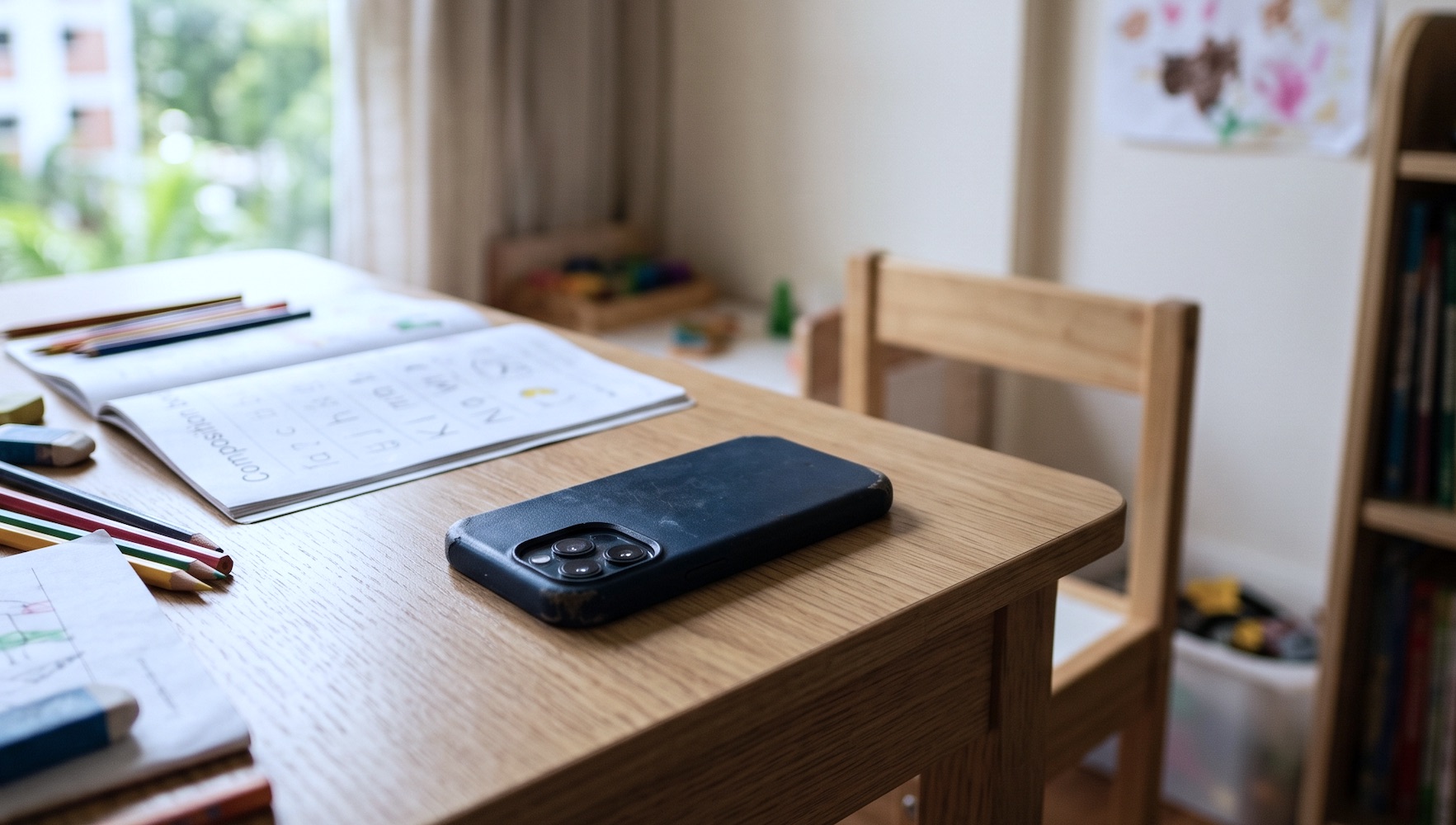
Handing over a first smartphone involves much more than choosing a network plan. It requires a clear understanding of digital boundaries and physical safety protocols. Skip the cultural myths and protect your peace of mind with a granular guide covering essential parental controls, sudden sleep disruptions, and sensible adult emotional baseline checks.
🎯 1. Read this First
Fix your core objective before handing over the device.
-
Focus on communication.Focus solely on basic communication and safety rather than policing every second of their digital consumption or comparing your rules with other school parents.
🚨 2. Warning Signs
Watch for non-negotiable red flags that require stepping in.
-
Inexplicable in-app charges.Check your credit card bills for sudden micro-transactions from the App Store or Google Play, indicating unauthorised gaming purchases or subscription loops.
-
Drastic sleep disruptions.Look for physical exhaustion, red eyes, or secret midnight screen use under the blanket during designated school night rest hours.
-
Extreme digital secrecy.Notice if they shield the screen aggressively, lock their room door, or panic when you walk past them in the living room.
-
Cyberbullying or harassment.Watch for sudden withdrawal from school activities, anxiety before taking the school bus, or distress after reading text messages from classmates.
⏳ 3. Do Ahead
Prepare the digital infrastructure and physical device before unboxing.
-
Secure SIM-only plans.Research low-cost local data options like Simba or giga to prevent expensive bill shocks from excess network usage.
-
Set up parental controls.Install Google Family Link or Apple Screen Time using your own adult account credentials before inserting the network card.
-
Toggle off purchase permissions.Disable one-click biometric payments and require your personal password approval for every single app download or media acquisition.
-
Apply heavy physical protection.Buy a military-grade drop-proof phone case and a tempered glass screen protector to withstand daily rough handling in the school yard.
-
Whitelist essential numbers.Input emergency numbers for family members, the domestic helper, student care, and the school general office directly into the contact list.
⚡ 4. While It's Happening
Enforce these real-time boundaries during the initial months of ownership.
-
Establish a charging lot.Charge the device overnight exclusively in the living room or kitchen island, never inside the child's bedroom.
-
Verify public transit updates.Confirm they can check their EZ-Link balance and call you when boarding the bus or MRT home from enrichment classes.
-
Implement regular spot checks.Inspect text messages and open applications randomly in plain view, establishing this routine as a regular condition of phone ownership.
-
Block screens during meals.Enforce a strict no-device rule at the dinner table for both children and adults to maintain family conversation time.
-
Track app time limits.Review weekly screen time reports together every Sunday evening to adjust app boundaries based on actual schoolwork performance.
🔄 5. Afterward
Reset the environment and review digital behaviors regularly.
-
Sanitise the physical hardware.Wipe down the phone screen with isopropyl alcohol wipes every Friday night to eliminate accumulated schoolyard grime and bacteria.
-
Purge unused applications.Delete redundant games and social apps at the end of every school term to keep the device functioning efficiently.
-
Review data consumption metrics.Check the monthly data ledger together to recognise good habits or address excessive video streaming outside home Wi-Fi networks.
🚫 6. Don't Bother
Save your mental energy by ignoring these unnecessary digital complications.
-
Skip expensive flagship models.Avoid buying the latest premium models when a basic, entry-level handset or an old family hand-me-down works perfectly well for school.
-
Ignore complex spy applications.Rely on standard platform parental tools instead of purchasing invasive tracking software that damages mutual trust and breaks app permissions.
-
Don't buy unlimited data.Restrict their data cap to prevent constant streaming during long commutes, encouraging them to observe their physical surroundings instead.
🧠 7. For Adults
Manage your own reactions and maintain your parental baseline.
-
Model clean device boundaries.Put away your own work phone during family dinners to demonstrate the exact behavior you expect from your children.
-
Depersonalise rule violations.Treat a broken screen limit or unapproved download as a system bug to fix, rather than a personal insult to your parenting.
-
Establish a pause protocol.Step away for sixty seconds before responding when you discover an unapproved app, ensuring a calm, logical conversation instead of an argument.
More Parenting Checklists
From school transitions to family trips — get on top of major family milestones with our complete library of practical, zero-fluff trackers.
Operational Guide Only: This checklist is a practical framework designed to streamline family logistics and reduce daily household anxiety. It does not constitute absolute rules. Parental discretion and adjustments should always be made based on your specific circumstances.
Important Medical Disclaimer
This information is for informational and educational purposes only. It is not a substitute for professional medical advice, diagnosis, triage, or treatment. Never disregard professional medical advice, ignore red-flag symptoms, or delay seeking clinical care because of instructions found within this digital tool. In an acute health crisis or emergency, proceed immediately to the nearest 24-hour pediatric clinic or hospital Accident & Emergency (A&E) department.